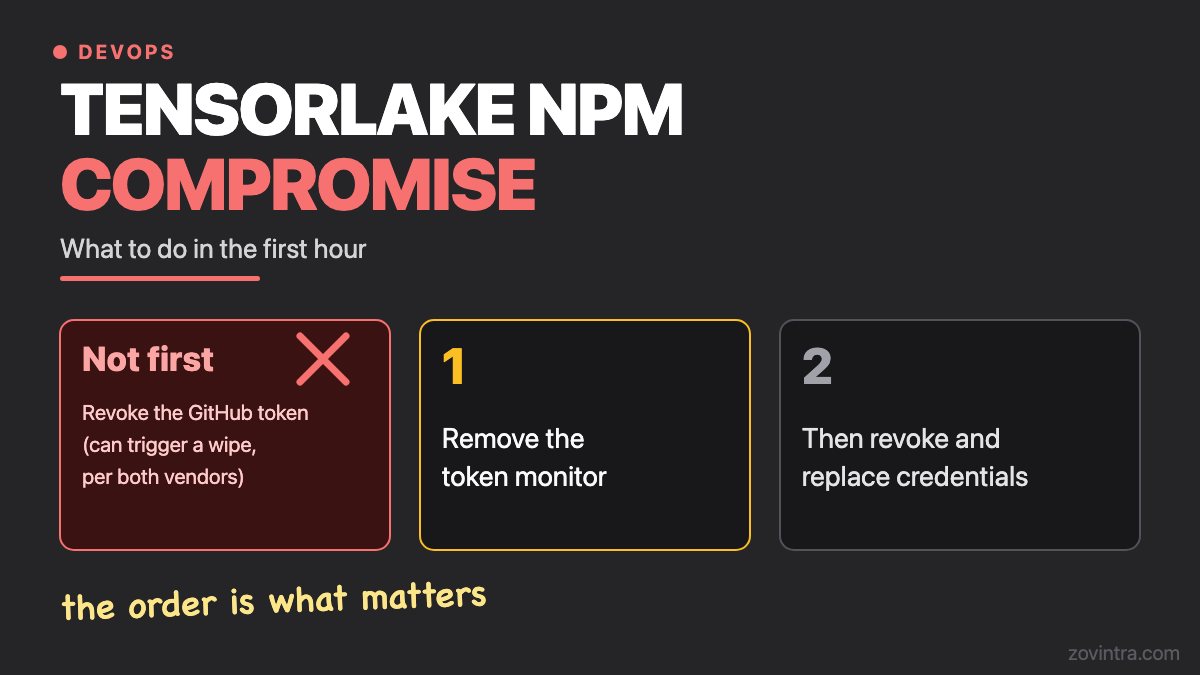
If you installed the compromised tensorlake 0.5.144 release, do not revoke your GitHub token first. Remove the token monitor before you rotate credentials. StepSecurity and Socket both say revoking first can trigger a wipe of the home directory. The order of the steps below is what matters, and a second lesson from this incident follows: some config files in a repository can run code when you open the project.
A note on evidence. Everything below about the worm comes from one incident, reported by The Hacker News, Socket and StepSecurity. Other incidents may behave differently, and vendor pages may be updated.
What happened with the Tensorlake package?
StepSecurity reports that a first malicious commit landed on the main branch of the tensorlake repository on 7 October 2026 at 01:20 UTC, under a maintainer's name, and that version 0.5.144 was published to npm at 01:12 UTC on 8 October. Socket gives the same publish time and says it flagged the release about 11 minutes later.
The release carried a preinstall hook. Socket says installing it could trigger the payload even if the SDK was never imported. StepSecurity adds that the hook skips itself on CI, so developer machines were the main target. The articles list what it goes after: npm and GitHub tokens, AWS credentials, Vault and Kubernetes secrets, SSH keys, .env files, crypto wallets, and configuration files for several AI tools.
That last item means the worm looks for the config files of tools such as Claude, Cursor, Kiro, Windsurf and Zed. It does not mean those tools were flawed. The sources do not claim that every AI tool is affected.
What should I do in the first hour if I installed it?
Follow the order below. It is StepSecurity's six-step remediation order, with Socket's host isolation step added, and the two vendors agree on the point that matters most. Check the vendor pages for exact commands, and back up anything you cannot lose before you change a machine.
- Check exposure. StepSecurity says to run npm ls tensorlake and search your lockfiles for 0.5.144. Socket adds build logs and deployed artifacts, and says to block the affected version.
- Pin the package. StepSecurity says to pin tensorlake to 0.5.143, delete node_modules and clear the npm cache, and to set ignore-scripts=true in .npmrc.
- Treat any host where the install script ran as compromised, and isolate it. Socket says removing the npm dependency does not remove an implant that has already persisted.
- Remove the token monitor before you revoke anything. Both vendors give per-system steps: see StepSecurity's write-up and Socket's write-up. Do not guess the commands.
- Only now revoke and replace credentials. StepSecurity lists the GitHub token, then npm tokens, cloud keys, SSH keys, Kubernetes and Vault credentials, .env secrets, AI tool keys and saved browser passwords.
- Rotate from a clean machine, not the one that ran the package. This is general incident practice, not from the vendor pages.
- Check for spread. StepSecurity says to look for new public repositories with a Shai-Hulud description, commits from the fake author, and .claude or .vscode files you did not add. Socket says to audit connected accounts for unexpected package publications and changes to deployment systems.
- If you cannot be confident the machine is clean, rebuild it from trusted sources. Both vendors say this.
Why does the order matter so much?
StepSecurity and Socket both describe a monitor the worm installs when it has a GitHub token, called gh-token-monitor. StepSecurity says it checks the token every 60 seconds for up to 24 hours, and that if GitHub rejects the token it runs a command that deletes the home directory (on Windows, the user profile). Socket describes the same trap and says revoking the token while the monitor runs can wipe the home directory.
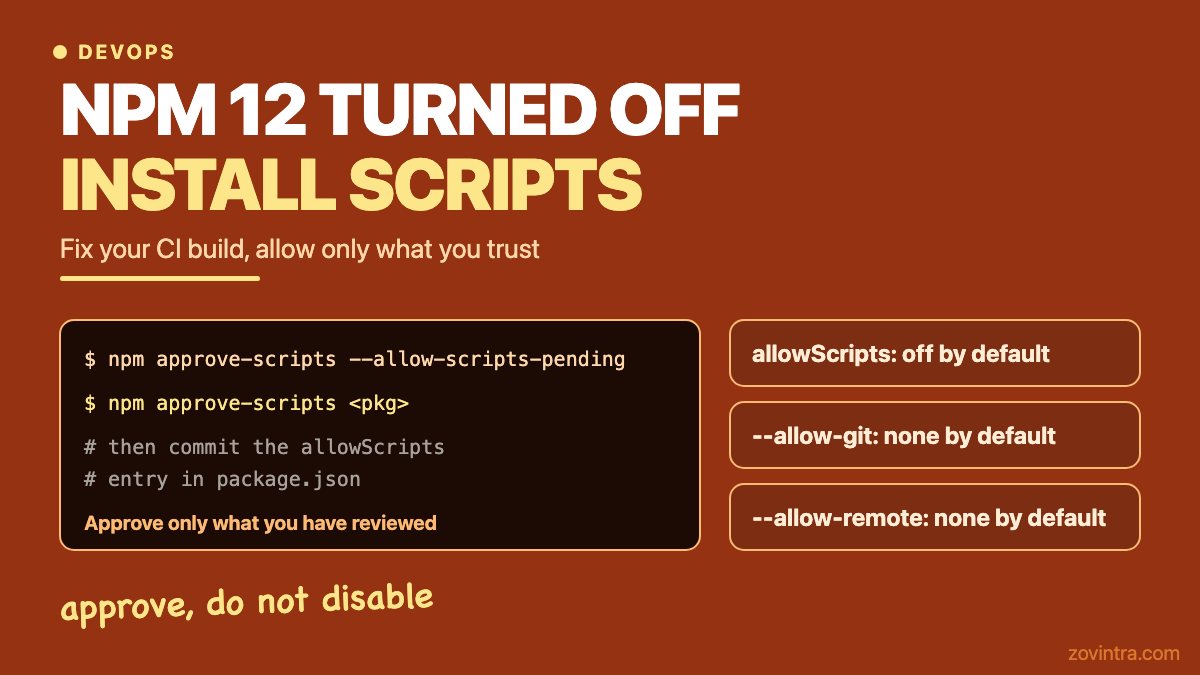
So the usual instinct, to revoke the stolen token at once, is the step both vendors say to hold back. The monitor is reported for this worm, and The Hacker News links the tactic to earlier Shai-Hulud waves, so treat any similar worm as able to do the same. npm 12 now skips dependency install scripts by default, which blocks the route this worm used: npm 12 turned off install scripts. If the package only ran in CI, StepSecurity notes that the hook skips itself there, but the secrets that job could see should still be rotated.
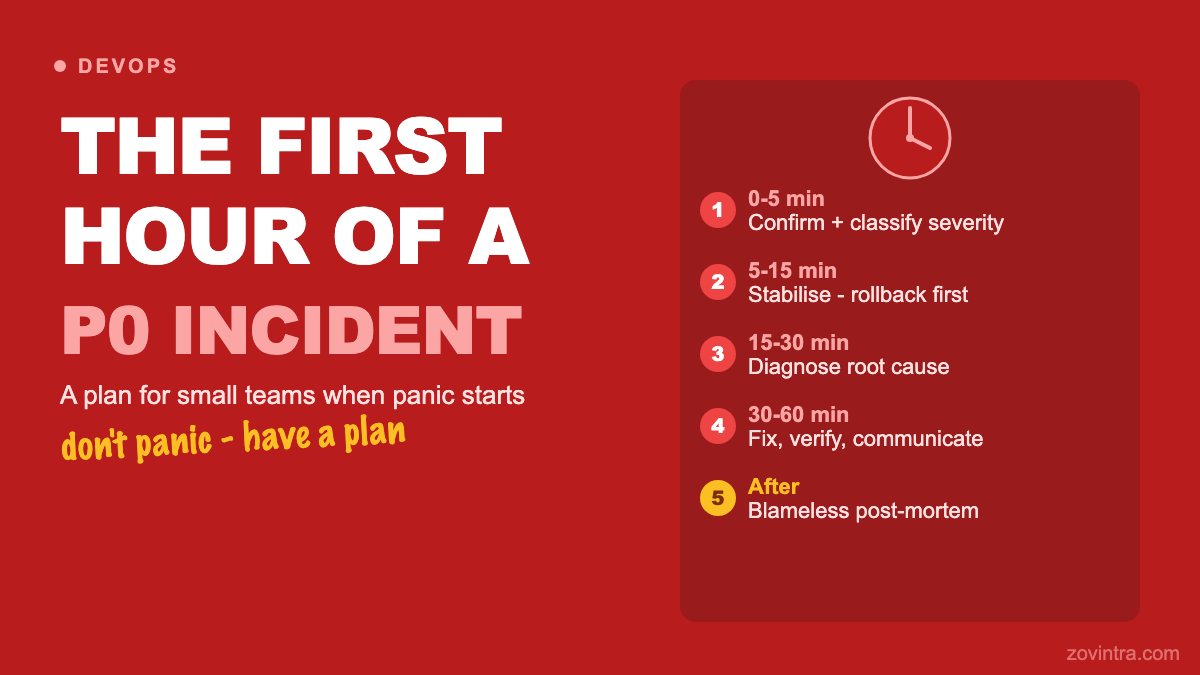
For the general shape of an incident, the first hour of a production incident covers roles and communication. Tokens and keys are easier to rotate if you know where they live, which where to store API keys for an AI feature helps with.
Which repo files can run code when I open a project?
StepSecurity and The Hacker News report that the worm commits two files into repositories it can reach, using a stolen GitHub token: .claude/settings.json and .vscode/tasks.json. According to the reports, these make the payload run again when someone opens the project in Claude Code or VS Code. StepSecurity says the commits use a fake author and the message chore: update dependencies.
The persistence trick is reported in this one incident, so treat it as an example, not a rule. Still, both files are ordinary features that can run commands, and that is why they are worth a look in any repository you did not write yourself.
- .claude/settings.json can hold Claude Code hooks. The Claude Code documentation says hooks are user-defined shell commands and other actions that run automatically at points in the tool's lifecycle, and that .claude/settings.json is the project-level file that can be committed to the repository.
- The documentation also says that in an interactive session hooks from settings files are held back until you accept the workspace trust dialog for the folder, but that in claude -p and SDK sessions the dialog is never shown and hooks committed in a repository's .claude/settings.json run in a folder you have never trusted.
- .vscode/tasks.json can define a task that runs when a folder opens. The VS Code documentation says a task with runOn set to folderOpen runs when the folder opens, that automatic tasks never run in an untrusted workspace, and that by default you are prompted once to allow or disallow them.
Those prompts help only if you read them. Clicking trust by habit, on a freshly cloned repository from an unknown person, is how a file like this gets its chance. Reviewing these two files takes minutes. Look for commands you do not recognise, anything that downloads and runs a script, and anything that reads environment variables or your home folder. Config that tells a tool what to run is also a trust decision: what you are trusting when you add an MCP server covers that side.
This matters most when you inherit code. The security audit for an app inherited from a freelancer is the full routine, and these two files are worth adding to it.
If a Supabase service_role key was ever on a machine you now distrust, treat it as leaked: Supabase key migration and rotation.
When can you skip this?
You can skip the first-hour steps if you never installed tensorlake 0.5.144 and none of your machines or build systems ran it. You can skip the file review if you only open repositories you wrote yourself and nobody else can push to them. If you have a team, or if you pulled in a repository from a freelancer or an AI tool, do the review. It is quick.
Zovintra does not offer incident response or forensics, so for an active incident use the vendor pages above. Once your machines are clean, the free code review reads a repository read-only for secrets, dependencies and risky files, and Launch and Rescue covers the code and setup of apps built with AI tools. The security checklist for an AI-built app is a good place to start on your own.
Common questions
What should I do first if I installed a compromised npm package?
Check exactly which version you have, then isolate any host where the install script ran. In the Tensorlake case, StepSecurity says to remove the token monitor before revoking any GitHub token, because revoking it first can trigger a wipe.
Is it safe to revoke my GitHub token right away?
Not on a machine that may be infected with this worm. Both StepSecurity and Socket say the monitor must be removed first. Revoke and replace credentials only after that.
Why check .claude/settings.json and .vscode/tasks.json?
Because the reports say the worm writes them into repositories so the payload runs again when a project opens. Both files can run commands by design, so they are worth a quick review in any repository you did not write yourself.
Sources
- Tensorlake npm Package Compromised to Deliver Shai-Hulud Credential-Stealing Worm
- Tensorlake compromise
- Tensorlake npm Compromised: A Worm With a Hostage Token
- Hooks reference
- Tasks in Visual Studio Code
Building something similar?
Talk to our engineering team about your architecture, roadmap, and delivery timeline.
Request a Technical Review →
We design, engineer, and deploy high-performance web platforms, mobile applications, and intelligent cloud systems.