If a build that worked before an npm upgrade now fails, check npm 12 first: it no longer runs dependency install scripts by default. It changed three defaults that many projects relied on without knowing it. The fix is not to switch the protection off. The fix is to approve the few packages that really need to run code at install time.
What did npm 12 change?
Three things that used to happen automatically during npm install are now opt-in. GitHub's changelog dated 8 July 2026 announces that npm v12 is generally available and tagged latest, and lists them.
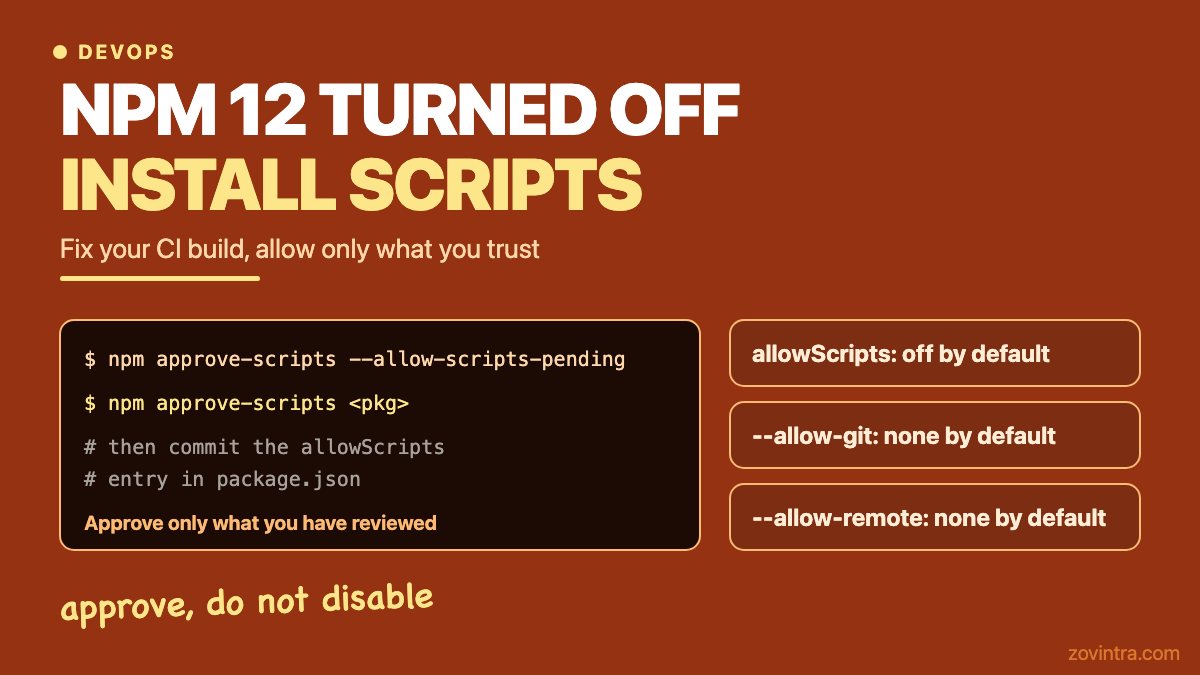
- allowScripts is off by default. Dependency lifecycle scripts (preinstall, install, postinstall) and the implicit node-gyp build do not run unless you allow them.
- --allow-git defaults to none. Git dependencies, direct or transitive, are not resolved unless you allow them.
- --allow-remote defaults to none. Dependencies from remote URLs, such as https tarballs, are not resolved unless you allow them.
The changelog says these behaviours were available behind warnings from npm 11.16.0. A June GitHub announcement adds that prepare scripts from git, file and link dependencies are also blocked, and that --allow-file and --allow-directory keep their current defaults.
Why would my CI build or deploy break?
Your build breaks when it needs something a skipped script used to produce, or something a blocked dependency used to provide. The sources do not list error messages, so treat the examples below as the usual patterns, not quotes from npm.
- A package that compiles a native module or downloads a binary in postinstall now installs without it. The install can look fine and the build or the app fails later.
- A dependency pointing at a git repository or an https tarball no longer resolves, so the install stops.
- A fresh CI runner uses the newest npm, while your laptop still has an older one. The same lockfile then behaves differently in each place.
The npm 12 documentation says install commands skip scripts for any dependency without a matching entry in allowScripts, and then list the skipped packages so you can review them. Start with that list in your CI log. Also check which npm version the runner is using, because a hosting provider's build image may have moved without you touching anything.
How do I allow only the scripts I trust?
Use the allowlist that npm provides. These commands are the ones GitHub and the npm docs show.
- npm approve-scripts --allow-scripts-pending lists the packages that have install scripts not yet covered. It does not change package.json.
- npm approve-scripts <pkg> approves a named package. Entries are pinned to pkg@version by default. Add --no-allow-scripts-pin to write a name-only entry that allows any version.
- npm approve-scripts --all approves every package with pending scripts. Avoid it unless you have read the list, because it removes the point of the allowlist.
- npm deny-scripts blocks packages you do not trust, as named in GitHub's June announcement.
Approvals are written to the allowScripts field in package.json. Commit that change so CI and every teammate get the same result. Per the npm docs, existing false entries win, so approving a package will not re-allow one you earlier denied.
For git and URL dependencies, the npm docs list both --allow-git and --allow-remote with the values all, none and root. Root allows only the ones declared in your own package.json. The docs say tarballs on the same host as your configured registry still install normally. Prefer root over all, and prefer replacing a git or URL dependency with a published release when one exists.
For global installs and npx there is no project package.json. The docs show an allow-scripts setting for that case, for example npm install -g --allow-scripts=canvas,sharp. The docs also say that passing --allow-scripts to a project-scoped install is an error, so use approve-scripts inside projects.
Why is npm doing this?
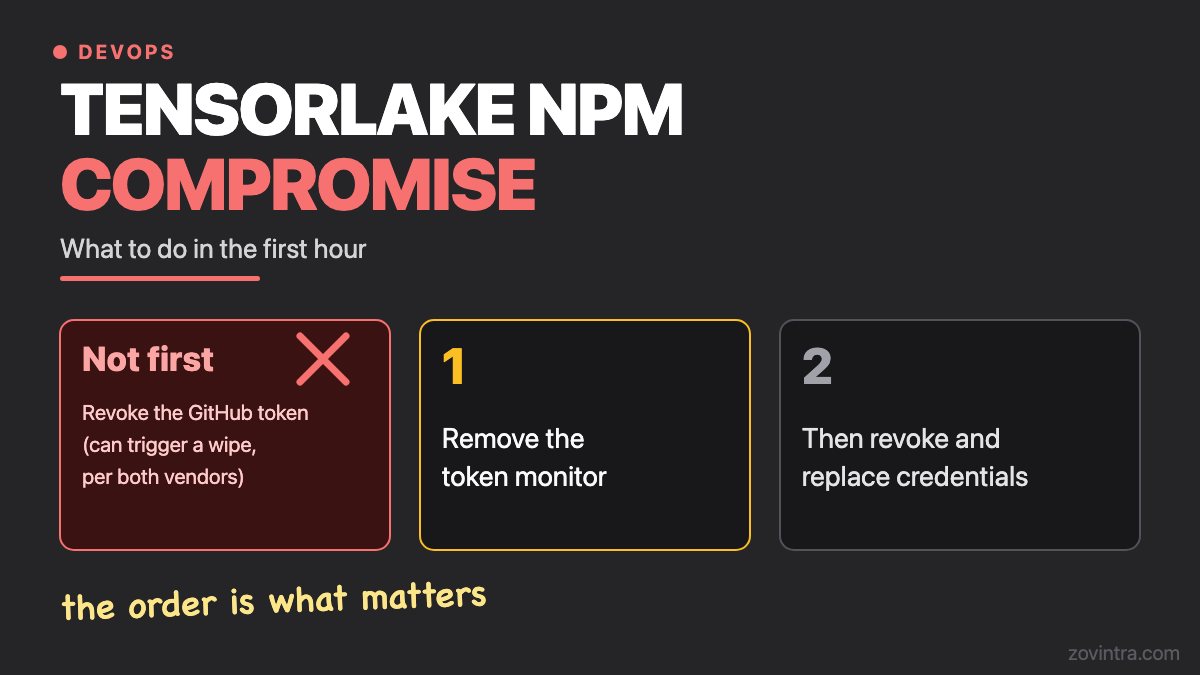
Install scripts run with your permissions on whatever machine runs the install. In October 2026 a compromised tensorlake release used a preinstall hook to launch its payload; our write-up of the incident has the first-hour steps. A default that skips scripts unless you approve them makes that route harder. It also means your lockfile no longer silently grants every dependency the right to run code.
This matters for apps built quickly with AI tools, where the dependency list is often long and nobody has read it. The post on vetting libraries your AI assistant suggests covers that side. Your CI gates are the other half, and CI gates for a small team shows where an install check fits.
What about the end of 2FA-bypass publish tokens?
This only affects you if your CI (continuous integration) publishes packages to npm. The same changelog describes two phases for granular access tokens that bypass two-factor authentication (2FA).
- Phase 1: GitHub's changelog said to expect this in early August 2026. We did not check whether it shipped. These tokens stop skipping 2FA for sensitive management actions, such as creating or deleting tokens or changing package maintainers and trusted publishing settings.
- Phase 2, expected around January 2027: these tokens lose direct publishing. They can read private packages and stage a publish, which becomes public only after a person approves it with 2FA.
Both dates are given as expected, not fixed. GitHub's suggested path is trusted publishing (OIDC) or staged publishing with human approval, instead of a long-lived publish token. Check the dates again on the changelog before you plan around them.
When can you skip this?
You can wait if your project still installs with an older npm and has no plan to upgrade, if none of your dependencies use install scripts, git sources or URL sources, and if you never publish to npm. Even then, the allowlist is cheap to set up while nothing is broken. The costly time to learn about it is during a failed release.
Need a second pair of eyes?
If the build is broken and the app was built mostly with AI tools, so nobody on the team knows which packages need what, a code and dependency health review is a sensible next step. It is part of what Zovintra's Launch and Rescue service covers. You can also start with the free code review.
Common questions
Why did my CI break after npm 12?
npm 12 no longer runs dependency install scripts, and no longer resolves git or remote-URL dependencies, unless you allow them. A build that needed a script's output or a blocked dependency will fail or run without it.
How do I allow a trusted package to run its install script?
Run npm approve-scripts followed by the package name, then commit the allowScripts entry it writes to package.json. Use npm approve-scripts --allow-scripts-pending first to see which packages are waiting.
Is it safe to set ignore-scripts or approve everything?
Approving everything removes the protection the change is meant to give. Approve only packages you have reviewed. Per the npm docs, ignore-scripts defaults to false and, when true, stops npm running scripts from package.json files.
Sources
- npm install-time security and GAT bypass-2FA deprecation
- Upcoming breaking changes for npm v12
- npm approve-scripts
- npm install (allow-git, allow-remote, allow-scripts, ignore-scripts)
- Tensorlake npm package compromised
Building something similar?
Talk to our engineering team about your architecture, roadmap, and delivery timeline.
Request a Technical Review →
We design, engineer, and deploy high-performance web platforms, mobile applications, and intelligent cloud systems.