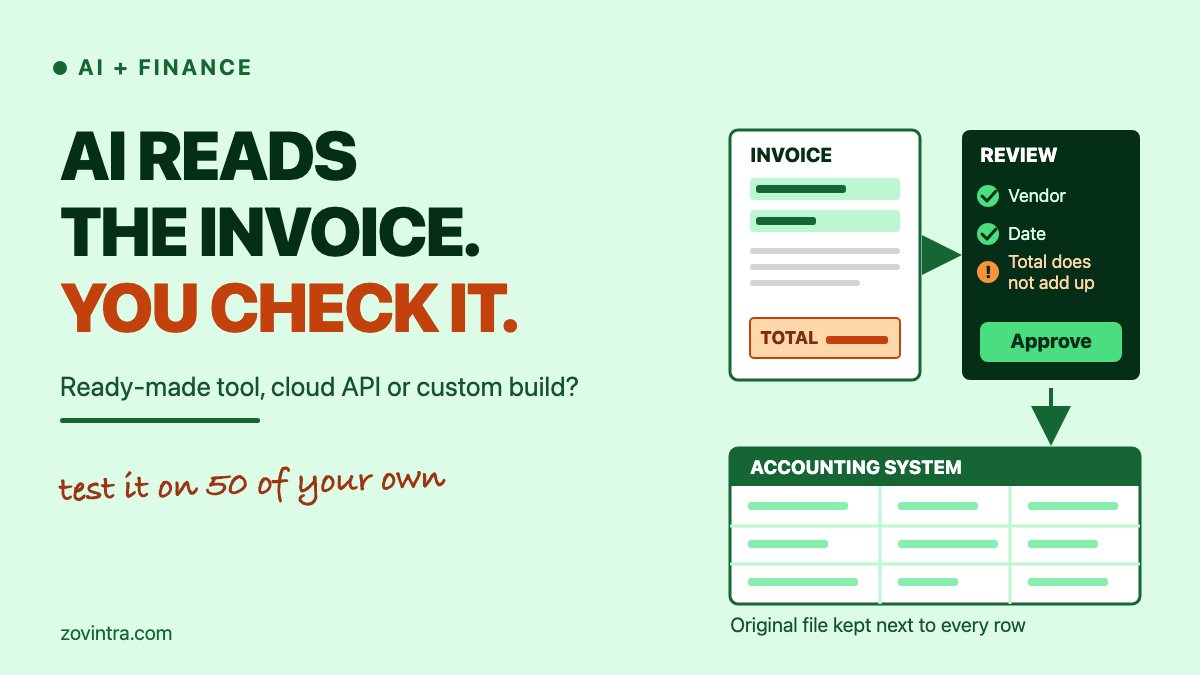
Yes, AI can read most invoices well enough to stop the retyping, but what you pay in the end depends on who checks the output, not on which tool reads the page. For a few hundred pages a month, a ready-made tool is usually the sensible start. For thousands, a cloud API (application programming interface) plus your own review screen can cost far less per page. A custom pipeline only earns its price when your checks or your accounting system are unusual. This post compares the three routes using the vendors' own price pages, and ends with a one-week pilot on 50 of your own invoices.
What does AI extraction get right, and where does it fail?
Current tools read vendor name, invoice number, dates, tax and totals from layouts they have not seen before, with no template. Amazon's documentation for its invoice API lists standard fields such as invoice date, invoice ID, vendor name, subtotal, tax and total. It includes fields for a vendor GST (Goods and Services Tax) number and a PAN (Permanent Account Number), and it returns a confidence score and the position on the page for each value. That is the good part.
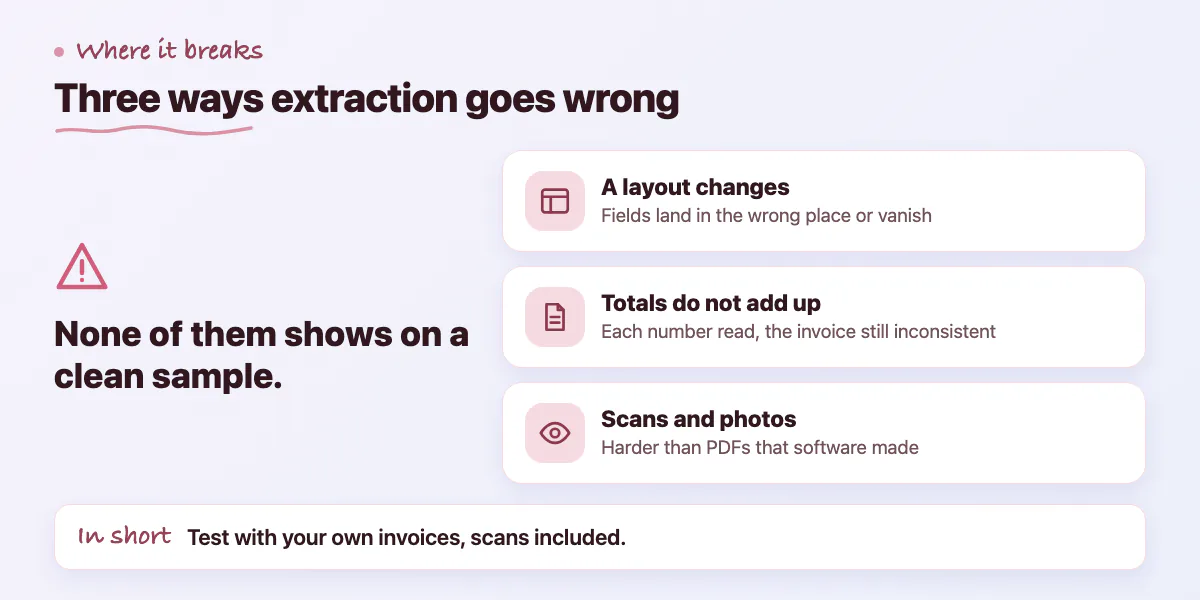
Three failures cause most of the trouble, and none of them shows up on a clean sample. These come from general engineering experience, not from a measured rate.
- A layout changes. A supplier updates its template, moves the total or adds a second tax line, and a field lands in the wrong place or goes missing. Lido's comparison says Nanonets needs 50 to 100 sample invoices per vendor for best accuracy, which shows how much vendor variety matters. Lido is a rival vendor, so treat that as secondary.
- The totals do not add up. Reading each number correctly is not the same as the invoice being consistent. One misread digit makes subtotal plus tax differ from the total, and the tool can still report high confidence on every field.
- The page is a scan or a phone photo. Skewed, faded or cropped pages are harder than PDFs that software produced. Check these separately in a pilot.
Be careful with headline accuracy numbers. Lido's comparison, dated 12 October 2026, claims 99.9 percent accuracy on scanned documents. It does not say how that was measured, on what documents, or what counts as correct. It is a vendor describing its own product. Treat a figure like that as a reason to run a test, not as a result. Our post on AI evals for small teams explains how to build a small test set and judge outputs against it.
Ready-made tool, cloud API or custom build: how do they differ?
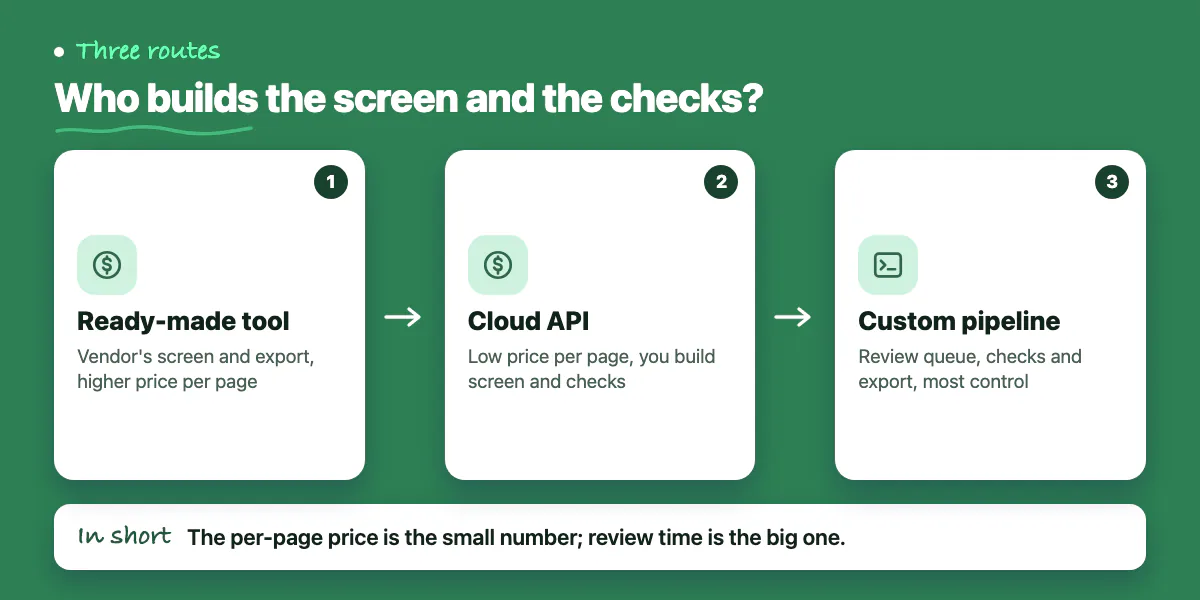
The three routes differ in who builds the screen, the checks and the export.
- Ready-made tool. You upload files, review in the vendor's screen and export. Lido's comparison puts Docsumo at about $0.30 per page after 100 free pages. It is quick to start. You pay more per page and you live with the vendor's screens, export formats and limits.
- Cloud API. You send a file and get fields back. Lido describes AWS Textract as a developer tool: you build your own interface, validation and export. The price per page is low, and the work moves to you.
- Custom pipeline. An API or model for reading, plus your own review queue, checks, file storage and export to your database or accounting system. It is the most work and gives the most control.
One price detail is worth knowing. Lido says Textract pricing "starts around $0.05 per page." AWS's own pricing page lists $0.01 per page for AnalyzeExpense, its invoice and receipt feature, for the first million pages a month in US West (Oregon). The $0.05 figure matches the general forms feature, not the invoice one. When you compare cost, quote the vendor's page, not a competitor's summary.
Here is what the list prices mean at three volumes. The sums are ours: pages times price, in US dollars, for one region, before tax, hosting, storage and the person doing the review. For the ready-made tool we priced every page at $0.30 and did not check monthly plan fees.
- 200 pages a month: $2 on AWS AnalyzeExpense, $10 on AWS forms extraction, $60 at $0.30 a page.
- 2,000 pages a month: $20, $100 and $600.
- 20,000 pages a month: $200, $1,000 and $6,000.
AWS says its free tier lasts three months for new customers and includes 100 AnalyzeExpense pages a month, so a small pilot costs almost nothing. At 200 pages the gap between $2 and $60 is small next to the staff time spent on exceptions. At 20,000 it is not. The per-page price is the small number. The minutes a person spends on each flagged invoice are the big one, so measure them in the pilot. Our post on what AI features cost to run covers the other bills, such as hosting, logs and monitoring.
What does the review queue need?
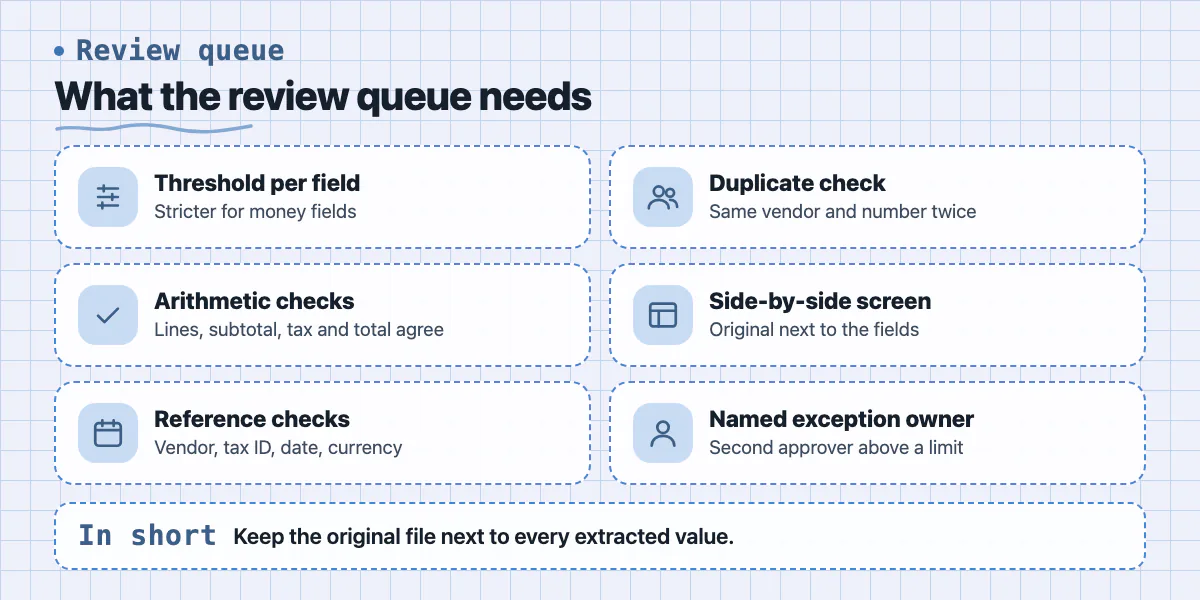
The review screen decides whether people trust the output. These rules are general practice, and you should tune every threshold on your own pilot data.
- A confidence threshold per field. Values above it are accepted and values below it go to a person. Money fields such as total and tax get a stricter threshold than a ship-to address.
- Arithmetic checks. Line items must add up to the subtotal, and subtotal plus tax must equal the total. Any failure goes to review, whatever the confidence.
- Reference checks. The vendor is in your list, the tax ID has the right format, the date is in a sensible range and the currency is one you expect.
- A duplicate check. The same vendor and invoice number twice goes to review.
- A side-by-side screen. The original on one side and the fields on the other. The position data the tool returns lets the screen highlight where each value was read.
- One named owner for exceptions, and a second approver above an amount you set.
Then decide where the data lands. Save each extracted value with its confidence, the reviewer and the time, next to the original file. Keep that original untouched. You will need it for a dispute, for an audit and for re-running the batch if you change tool. Export into a database table or an accounting import, and make the import safe to repeat so a retry does not create duplicate bills. If you handle Indian tax invoices, see our post on GST invoice software requirements in India for the invoice side.
Invoices carry names and addresses, so check where an API processes and stores the files before you send any. Our post on DPDP and AI tool data flows shows how to map that. For the opposite direction, creating and sending invoices, see the BillFlow project page; its screens are design concepts, not a live product.
How do you run a one-week pilot on 50 of your own documents?
A pilot answers the question vendor pages cannot: how your invoices behave. Run it in five working days.
- Day 1: collect 50 real invoices. Include your biggest suppliers, some odd ones, scans, photos and invoices with more than one tax line. Mask anything you are not allowed to share.
- Day 1: type the correct values by hand for the fields you need, such as vendor, number, date, subtotal, tax, total and tax ID.
- Days 2 and 3: run the 50 through two candidates, for example a ready-made tool on a trial and a cloud API call.
- Day 4: compare field by field. Count wrong values and missing values separately, and count how many invoices needed no correction at all.
- Day 5: time the review of the flagged invoices, then multiply by your monthly volume.
Then pick by total cost: price per page, review minutes and build effort together, not by an accuracy score alone. As a rough guide, which is a rule of thumb and not a measured result:
- Choose a ready-made tool if volume is a few hundred pages, your suppliers are fairly standard and its export fits your accounting software.
- Choose a cloud API plus your own screen if volume is in the thousands, you need your own checks, or the data must go to a system the tools do not export to.
- Choose a custom pipeline if your checks are specific, such as matching each invoice to a purchase order, or if you have many unusual layouts.
When can you skip the custom build?
If your team handles only a handful of invoices a week, retyping may be the cheapest option, and a pilot would cost more than a month of typing. If your suppliers can already send structured invoice files, you may not need to read a PDF at all. If a ready-made tool passes your 50 documents and exports to your accounting software, its screen is your review queue and a custom build adds cost without adding value. Our post on build versus buy gives a wider test for that choice. If you plan to put extraction inside your own product rather than your finance team, start with what to ask before adding AI to your SaaS.
Want help scoping an extraction pilot?
If your team retypes invoice or PDF data and you cannot tell which route fits, send us 50 sample documents with sensitive details removed. We will scope a one-week extraction pilot: the review queue, the checks and the export to your database or accounting system. You can talk to us about AI integration or contact us.
Common questions
How accurate is AI invoice extraction?
It depends on your suppliers' layouts, your scan quality and which fields you count. Vendors quote figures such as 99.9 percent, but Lido's page does not say how it measured its own. Test 50 of your own invoices, count correct values field by field, and count how many invoices needed no correction.
How much does AWS Textract cost per invoice page?
AWS's pricing page lists $0.01 per page for AnalyzeExpense, its invoice and receipt feature, for the first million pages a month in US West (Oregon), and $0.05 per page for general forms extraction. Prices vary by region and feature. They exclude hosting, storage and the time spent reviewing results, so check the page for your region.
Do I still need a person to check the results?
Yes, at least for money fields and at first. Extraction tools return a confidence score per field, but a score is not proof. Use thresholds and arithmetic checks to send only doubtful invoices to a person, and keep the original file so any value can be checked later.
Sources
Building something similar?
Talk to our engineering team about your architecture, roadmap, and delivery timeline.
Request a Technical Review →
We design, engineer, and deploy high-performance web platforms, mobile applications, and intelligent cloud systems.